


Checking Out In-Studio
-
Scan the QR Code
Scan our QR code in-studio (or click here) to access Flex to request a Letter of Medical Necessity ($10 fee, valid for 12 months)
-
Request
Flex will request a Letter of Medical Necessity on your behalf.
-
Get Reimbursed
Submit for reimbursement through your insurance provider.
Purchasing Products Online
-

Verify your eligibility
For items requiring medical documentation, you'll answer a few quick health questions through Flex's telehealth consultation. This generates your Letter of Medical Necessity instantly.
-

Enter your HSA/FSA payment details
Complete your purchase using your HSA or FSA debit card. If you don't have your HSA/FSA connected card available, checkout using an alternative card and receive reimbursement documents via email within two hours.


Shop Skincare
-
15% Azelaic Acid Complex Advanced Clarifying Serum
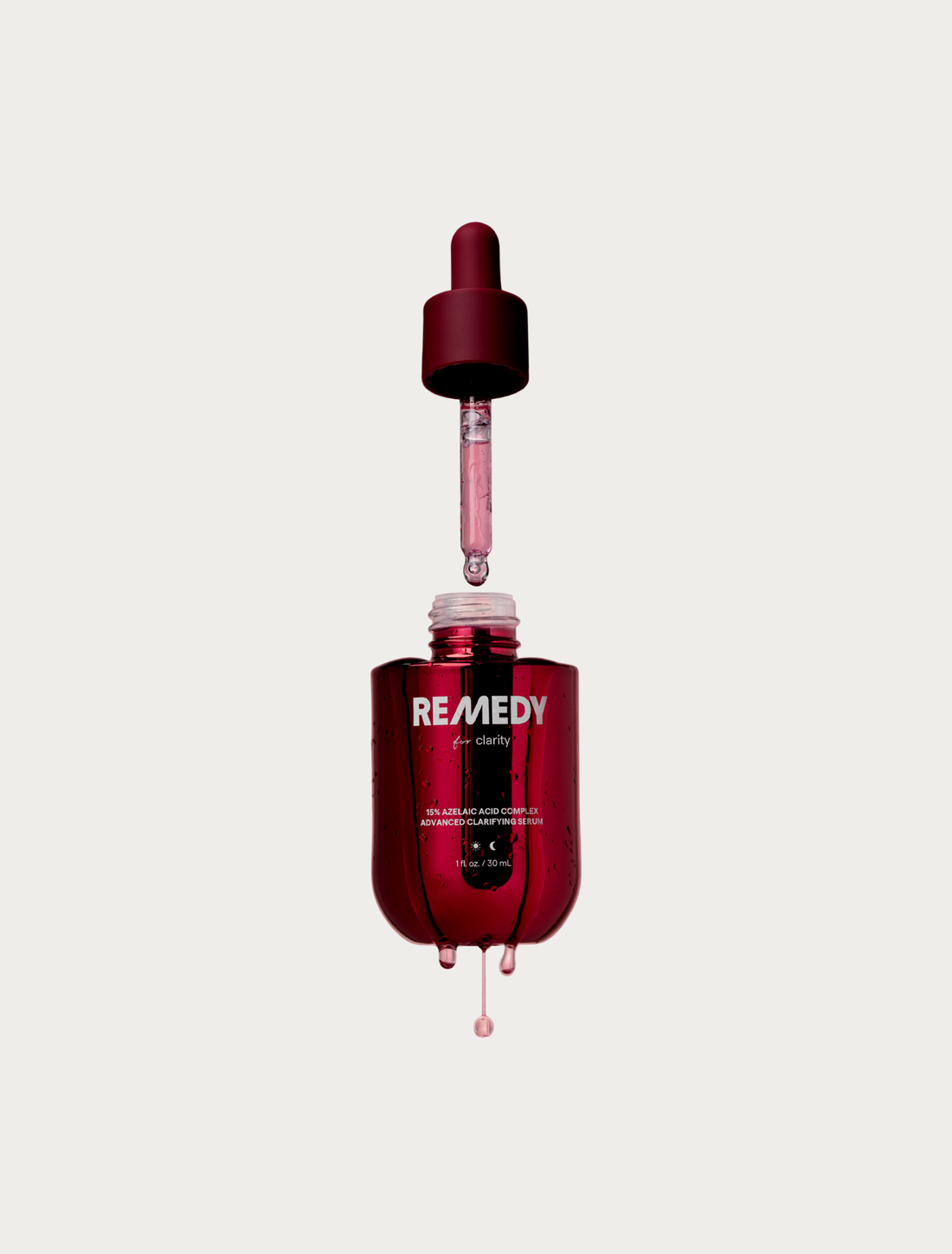 15% Azelaic Acid Complex Advanced Clarifying Serum
- Regular price
-
$25.00 - Regular price
-
- Sale price
-
$25.00
Quick view
-
Dark Circle Reducing Advanced Eye Cream
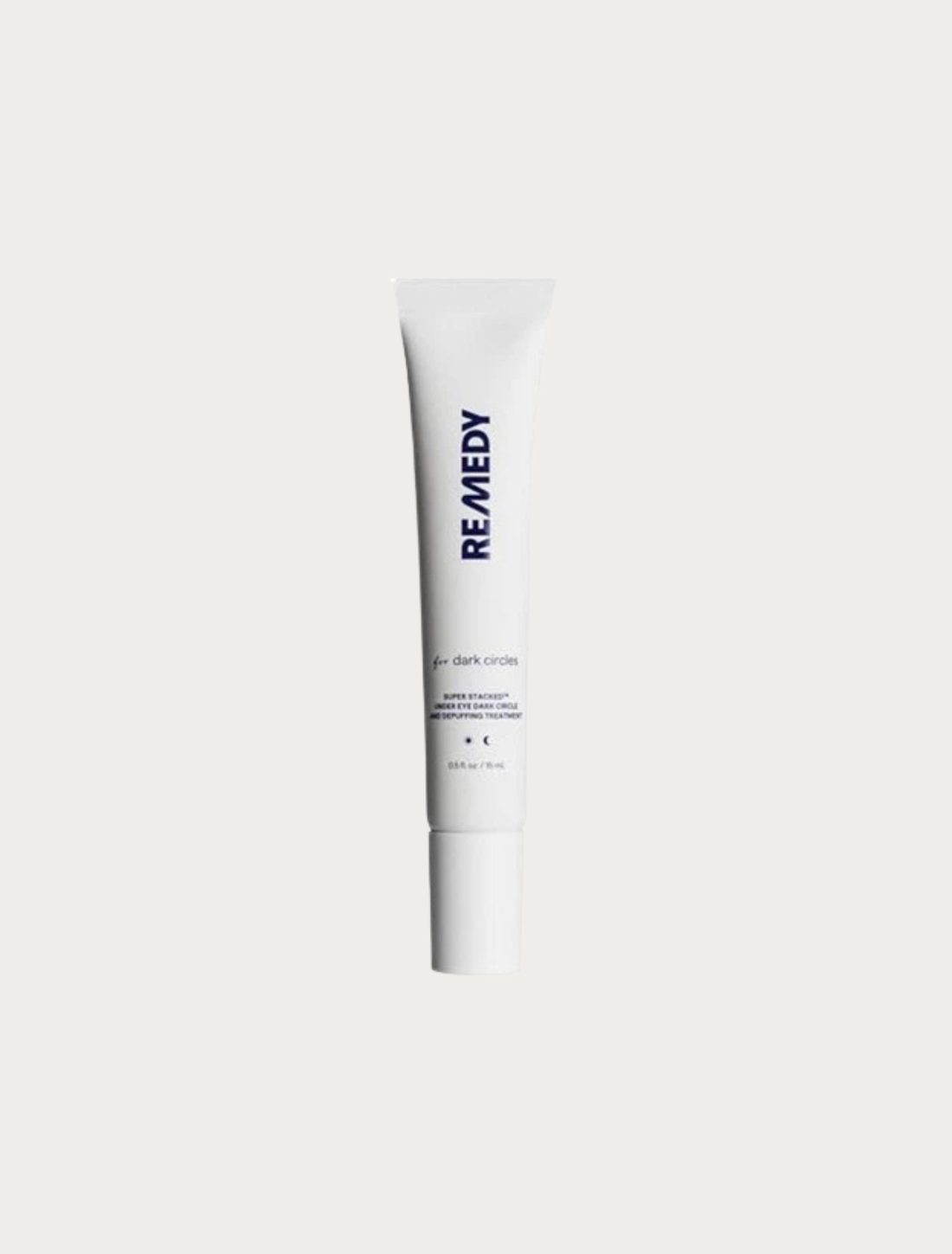 Dark Circle Reducing Advanced Eye Cream
- Regular price
-
$18.00 - Regular price
-
- Sale price
-
$18.00
Quick view
-
GSS Simple Solution Misting Fan
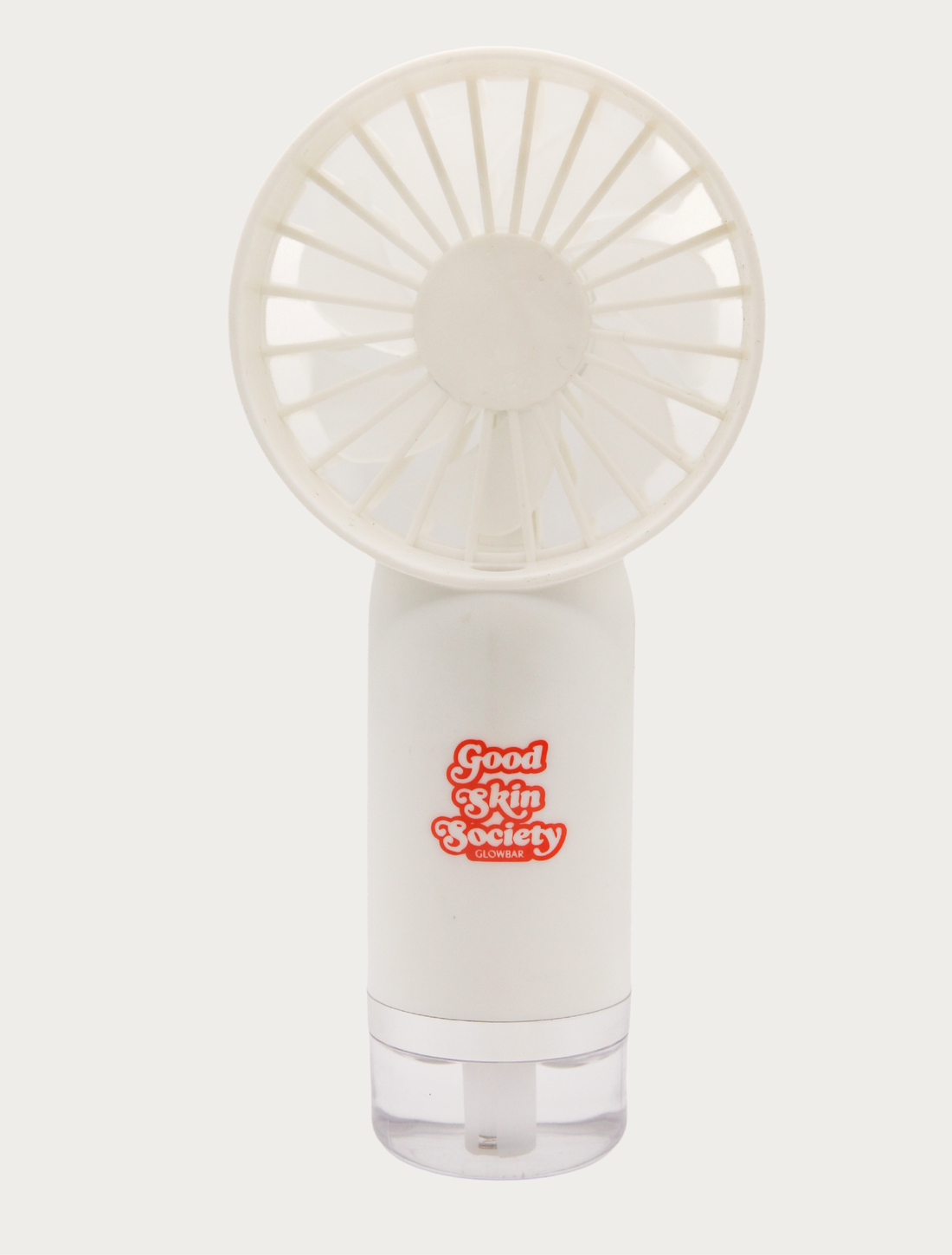 GSS Simple Solution Misting Fan
- Regular price
-
$16.00 - Regular price
-
- Sale price
-
$16.00
Quick view
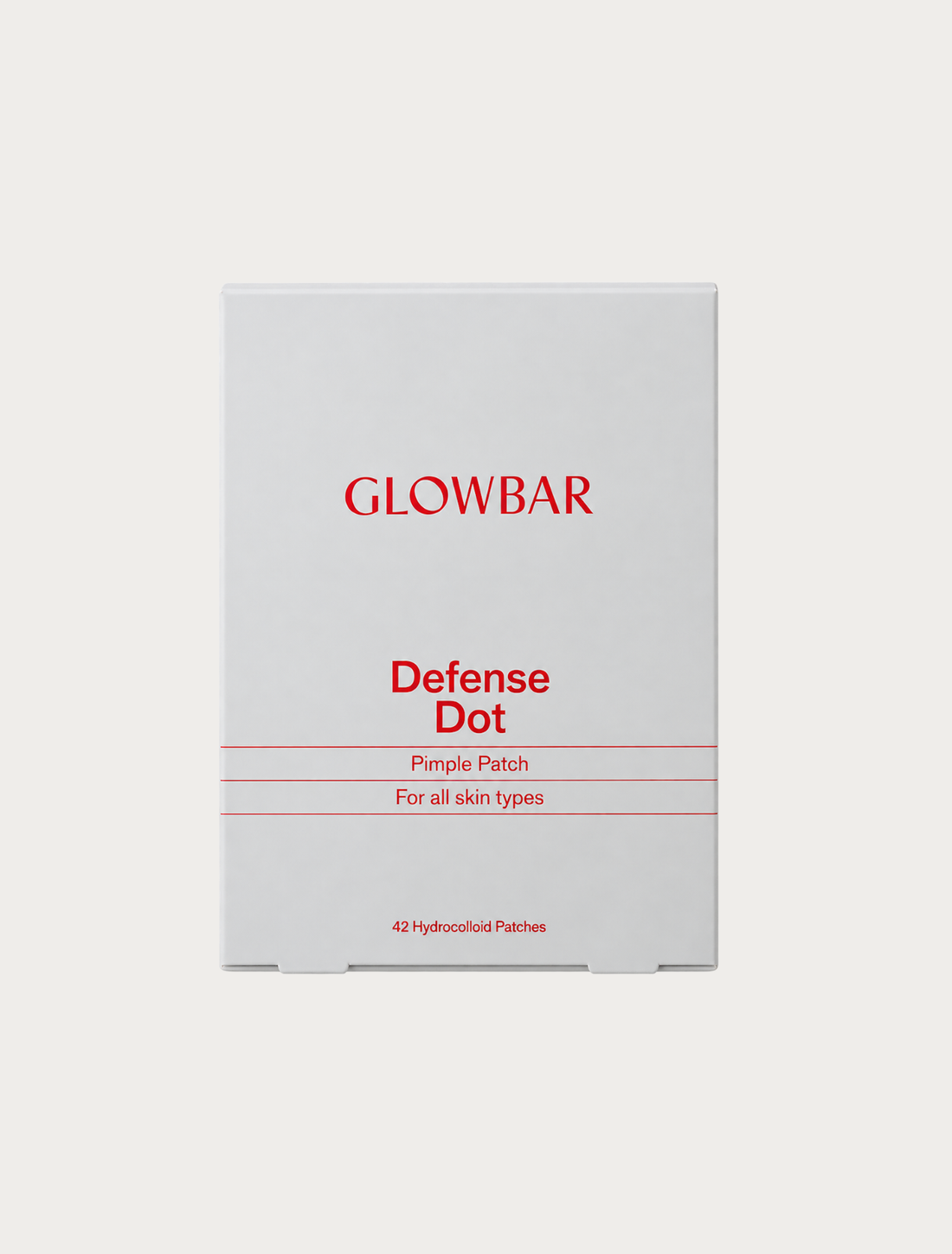
FAQs about Flex
Why use your HSA or FSA for skincare?
Since many skin conditions require ongoing treatment and maintenance, using these accounts for clinical-grade approved products helps you prioritize your skin health while maximizing your health care dollars.
What is Flex and how does Glowbar's partnership with Flex work?
Flex is our HSA/FSA payment partner that enables you to purchase qualifying skincare products with pre-tax health care dollars. This partnership allows you to use your HSA/FSA accounts when buying certain clinical-grade products, and Flex sends both your itemized receipt and Letter of Medical Necessity (when applicable) for your records.
Is a prescription required for HSA/FSA purchases?
No prescription is required. However, certain products need a Letter of Medical Necessity (LMN) and you will be guided through a chat-based consultation with Flex during check-out to check eligibility and generate this documentation.
What is a Letter of Medical Necessity or LMN?
Some products require a Letter of Medical Necessity (LMN) from a licensed healthcare provider to provide context to insurance around the usage of a specific product or treatment, stating that the expense is necessary to treat or manage a specific medical condition. Flex will provide you with this letter.
There's no fee for a LMN when purchasing online. A LMN in-studio costs $10 and is valid for 12 months.
Does one LMN cover all of my products?
No. For a LMN to be compliant, the documentation is required to be as specific as possible in regard to which product is being recommended and which concern/condition that product is intended to treat. However, if you need an additional LMN for a different product, please reach out to support@withflex.com
Why is my HSA/FSA card being declined?
The most common reason is insufficient account balance. HSA/FSA cards function as debit cards and require adequate funds to process. Contact your HSA/FSA administrator to verify your available balance before trying again.
What if my HSA/FSA administrator denies my claim?
First, verify the product's eligibility with your specific HSA/FSA provider before purchasing, as guidelines vary. If you believe your claim was incorrectly denied, forward your provider's response to support@withflex.com for assistance. Keep in mind that employer-sponsored FSAs may have stricter eligibility requirements than IRS standards.
When will I receive my itemized receipt?
Flex emails your itemized receipt within two hours of purchase. If you do not see it within that time period, check your spam/junk folder for an email from notifications@withflex.com.
Still missing it? Contact support@withflex.com with your order email address to request another copy.